Questions
What does safe to spend today mean?
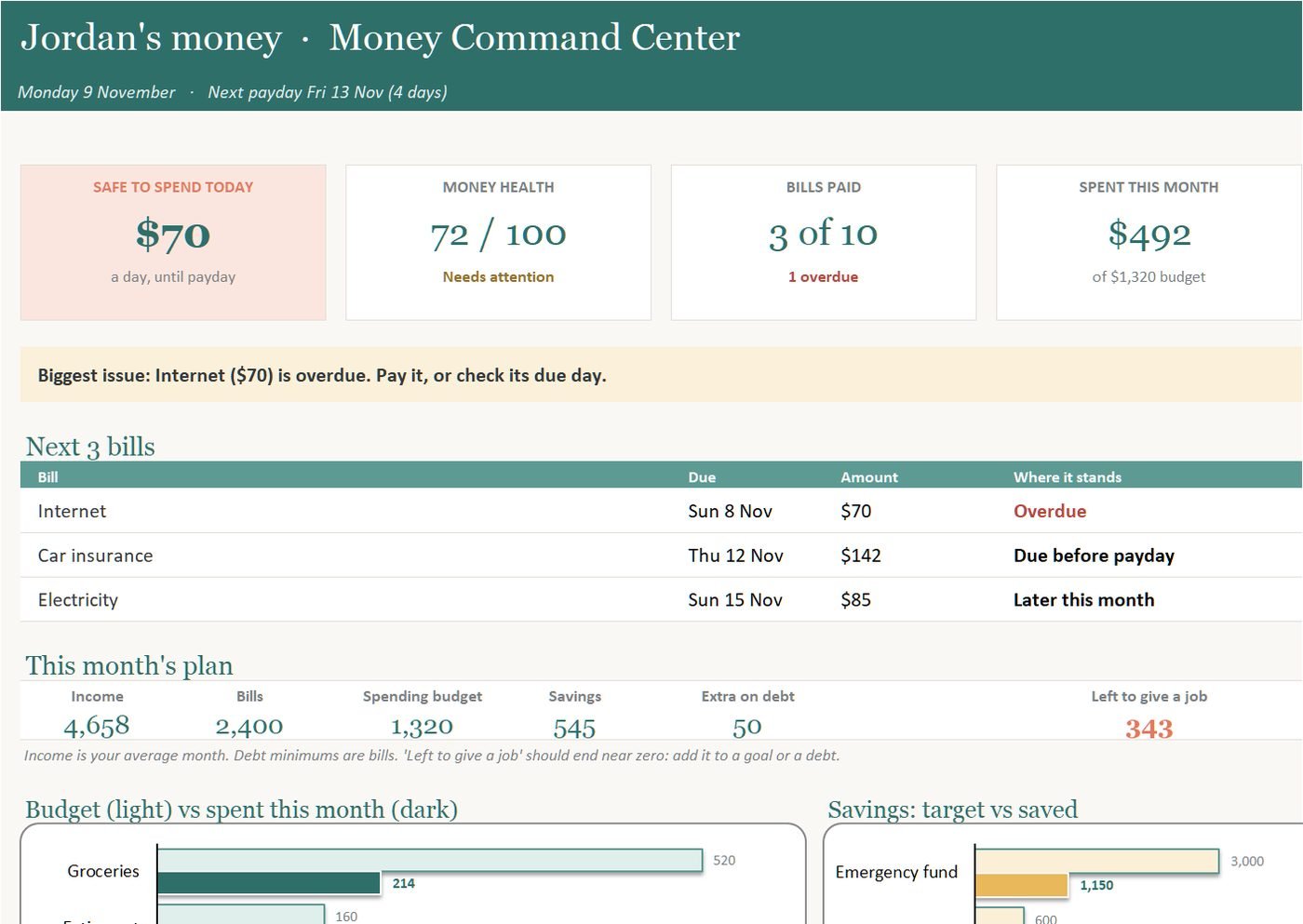
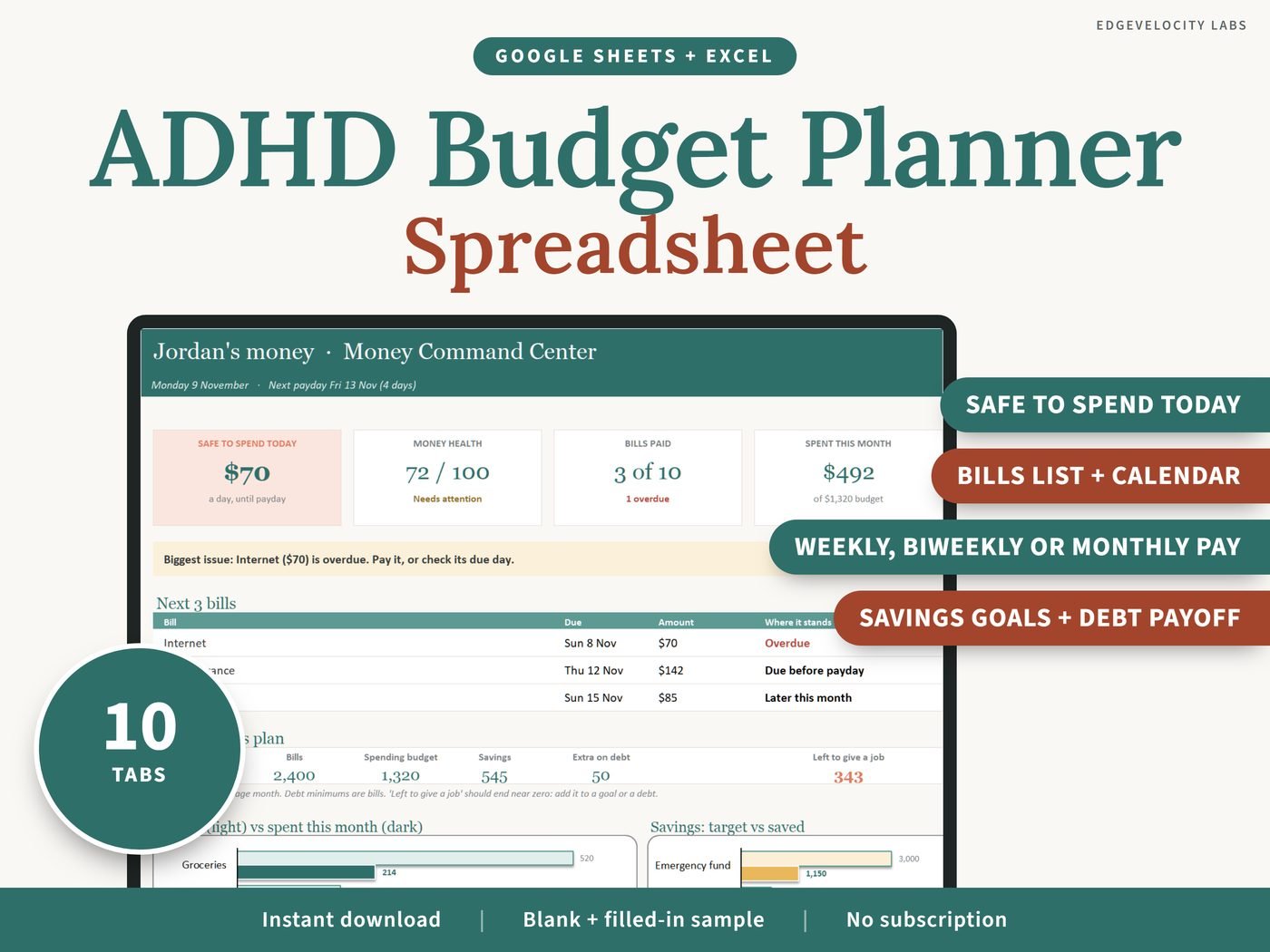
It is your balance, minus the bills due before your next payday, minus a cushion you choose, shared across the days until payday. It works with weekly, every-two-weeks and monthly pay.
Does it connect to my bank?
No. There is no bank login. You type in your balance, and your numbers save on your own device or in your own spreadsheet.
Does the spreadsheet work in Google Sheets and in Excel?
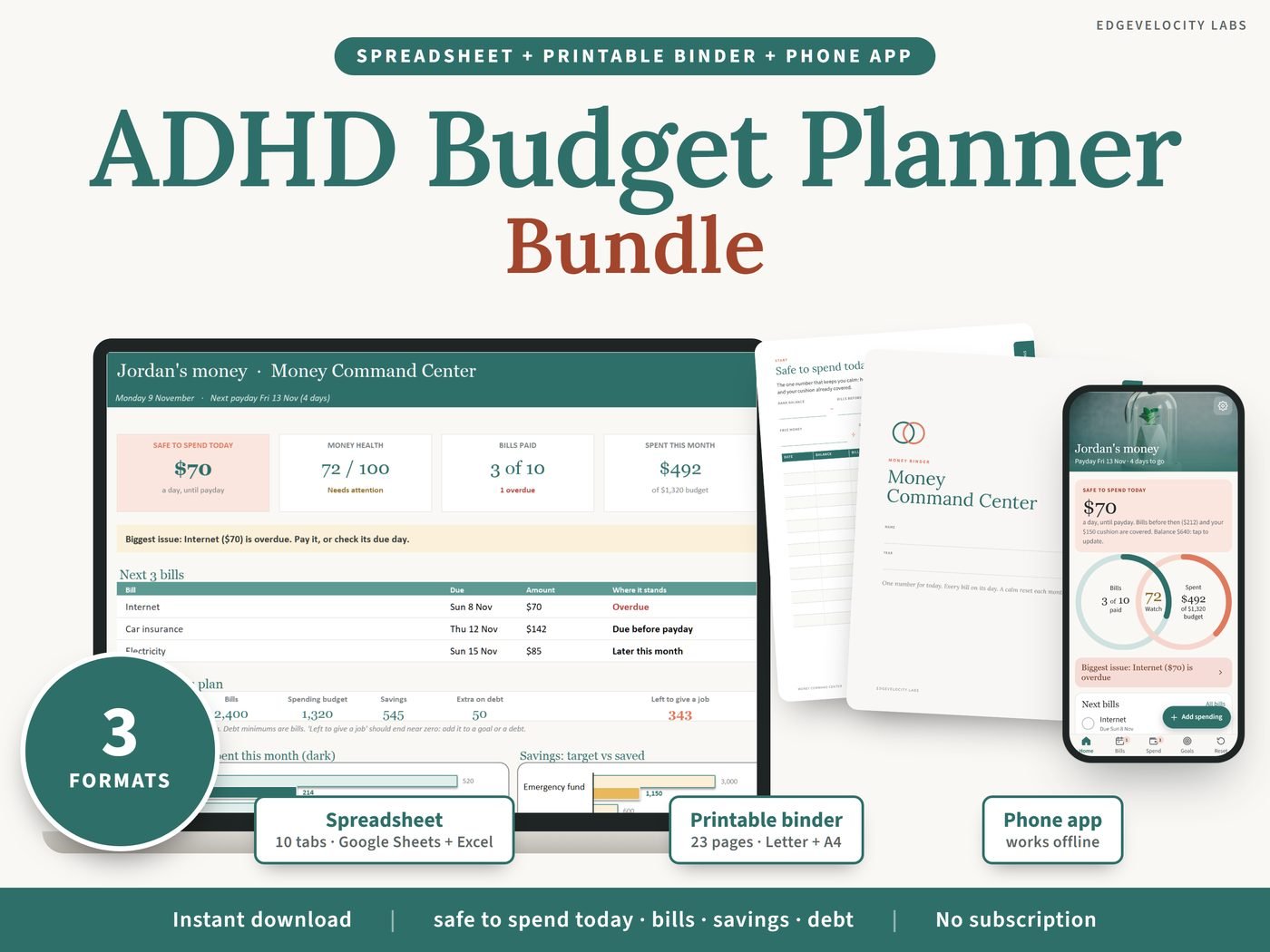
Yes. It is one workbook that opens in Microsoft Excel (desktop or web) and in Google Sheets, which is free. It has no macros. It does not work in Apple Numbers.
Can I print the binder at home?
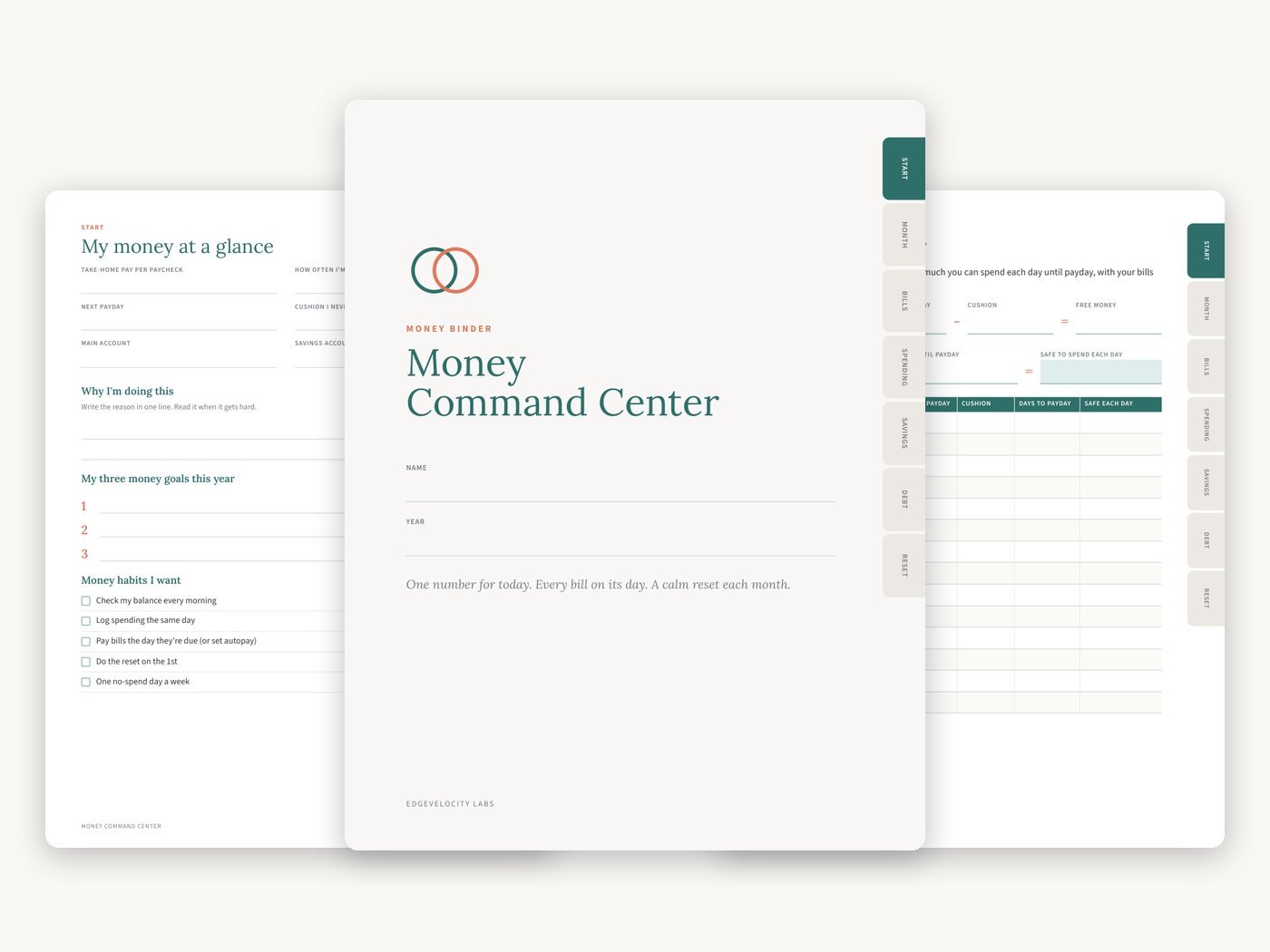
Yes. The binder comes as two PDFs, US Letter and A4, 23 pages each. The pages are undated, so you can start in any month and print the monthly pages again. You can also use it on a tablet in GoodNotes or another PDF app.
How do I install the phone app?
After you buy, open the Start Here guide and tap the app link or scan the QR code. Then add it to your Home Screen from Safari on iPhone or Chrome on Android. It is not in the App Store or Google Play, needs no account, and works offline. Your data saves on your own device.
When do I get the files?
Straight away. After checkout the download link is on screen and in your email. Nothing is shipped.
Is this medical or financial advice?
No. It is a budgeting tool that is designed to be simple to use. It does not diagnose or treat anything, and it is not financial advice.
Can I get a refund?
Checkout is on our own shop (Payhip), by card or PayPal. Digital downloads are generally final once delivered, but if a file will not open or something is wrong, email support@edgevelocity.net and we will fix it or refund you.
Are the prices in Canadian dollars?
Yes. Prices on this page are in Canadian dollars. Sales tax is added at checkout where it applies, and your card converts the total to your own currency.
This is a budgeting tool, not medical, financial or legal advice. Screens show the included sample.